


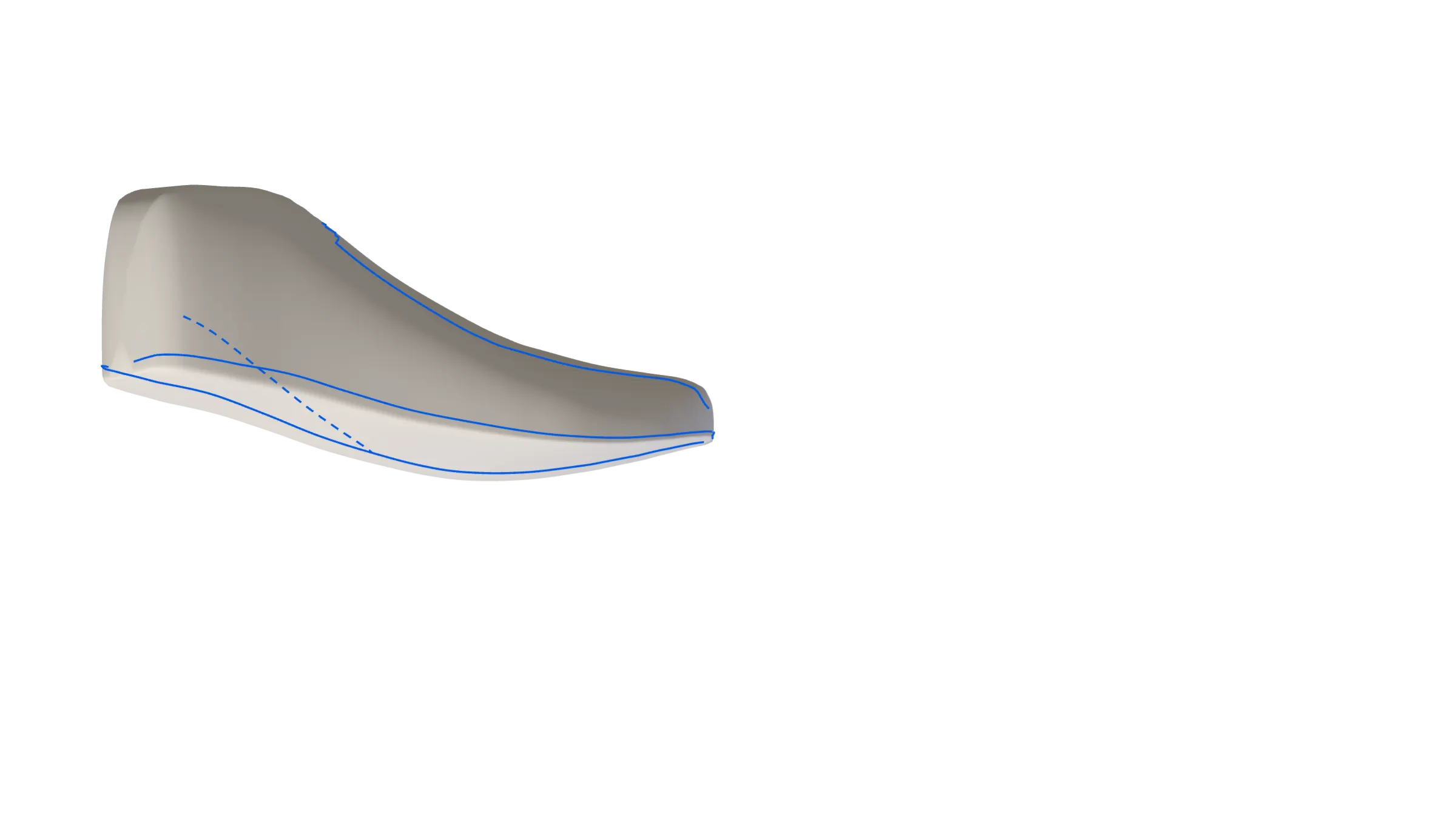
3D model of a shoe last with live measurements
From last to laser
in hours, not days.
Three plugins for Rhino 8 that follow the pattern maker’s lines: flatten the last, build the pattern, nest the parts. Your files never leave your workshop.
Request a free demo call- Rhino 8 · Windows
- Your data stays local
- DXF for lasers and cutting tables
- Imports legacy CRISPIN files
- Annual licence · 14-day trial
- Support in EN · DE · IT · BHS
- Built in an orthopaedic workshop
- Made for asymmetric lasts
The gap
Tape on the last, cardboard in the drawer, every notch copied by hand. There is a faster way.
Orthopaedic work never follows the book: every last is different, and left and right rarely match. Our plugins are built around that — the lines you draw always win over the automatic ones.
See the chain
Last to laser.
One chain. Three plugins.
Each plugin works on its own. Together they take a pair from the 3D last to the file your cutter reads.

-
01
Last
Your 3D last, from a scan or a file.
-
02
FlattenThe last becomes a measured base pattern — along the lines you draw.
-
03
Pattern DigitizerDraw, digitize and edit the pattern. Notches, markers and allowances stay connected.
-
04
Nesting EngineParts are nested on the sheet, with the utilisation reported for every sheet.
-
05
Cutter
DXF straight to the laser or the digital cutting table.
Products
Why pattern makers switch
-
Large CAD systems force one workflow. Our tools never do: the seam and centre lines you draw decide the result — essential when no two orthopaedic lasts are alike.
-
Allowances, mirrored halves and parts are linked to their base line. Move it, and everything that depends on it moves too. Delete it, and its dependants go with it.
-
Flatten reports length and area checks with every base pattern. Print it 1:1, lay it on the last and compare.
-
Scan a cardboard pattern and turn it into an editable digital one. Legacy CRISPIN pattern files can be imported with parts, lines and notches.
-
Everything runs locally in Rhino on your own computer. No cloud account, no upload, no server in between.
How you start
Talk to us. Test it for 14 days.
Then decide.
-
Step 01 · Demo call
A free demo call in your language
English, German, Italian or Bosnian/Serbian/Croatian. We show the plugins on real lasts and patterns and answer your questions.
-
Step 02 · 14 days
A trial licence for your own work
Test the plugins in your workshop, on your own lasts and patterns, for 14 days.
-
Step 03 · Licence
An annual licence
If it fits your work, you continue with an annual licence. We send you the terms after the demo.
Your data
Your patterns are your capital.
They stay in your workshop.
The plugins run inside Rhino on your own computer. No cloud account, no upload, no server of ours in between.
Questions
Frequent questions
-
Yes. Pattern Digitizer imports legacy CRISPIN pattern files with parts, lines and notches. For other systems, ask us in the demo call.
-
Patterns and nests are exported as DXF, prepared for the lasers and digital cutting tables common in the industry.
-
Flatten reports length and area checks with every base pattern. Print it 1:1 and check it on the last yourself.
-
Yes. The lines you draw always win over automatic ones. No workflow is forced on you.
-
That is normal in orthopaedics, and the plugins are built for it: both sides of a pair are handled together, and parts move to the opposite side with their assignments.
-
Not yet. Grading is planned but not part of the current version.
-
Only on your own computer. The plugins work locally inside Rhino — nothing is uploaded.
-
Yes: Rhino 8 for Windows, licensed separately from McNeel. Mac is currently not supported.
-
Yes. After the demo call you can test the plugins for 14 days with a trial licence.
-
English. Demo calls and support are available in English, German, Italian and Bosnian/Serbian/Croatian.
See it on a real last, in your language.
Free demo call in English, German, Italian or Bosnian/Serbian/Croatian. 14-day trial licence afterwards.
Request a free demo call